BIG STARTUP SALE!
UP TO 50% OFF
Course
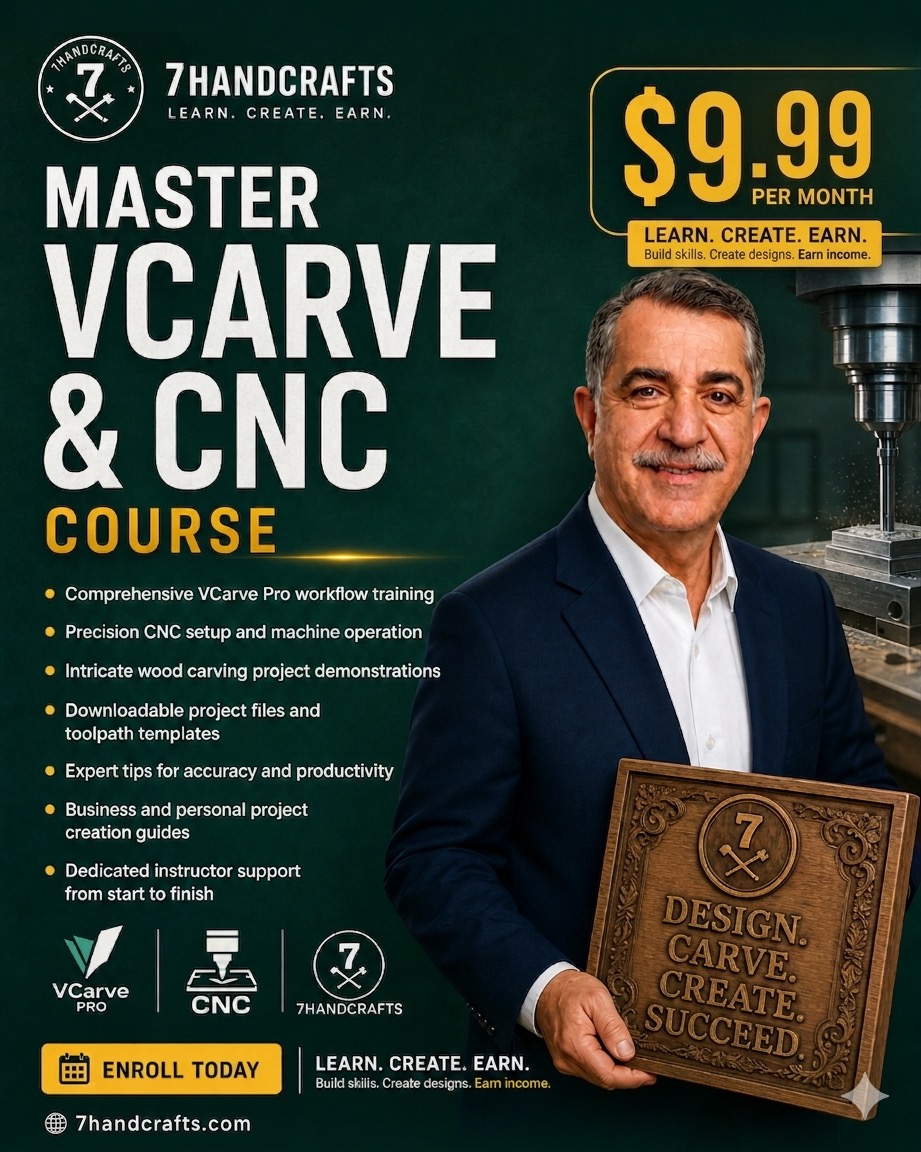
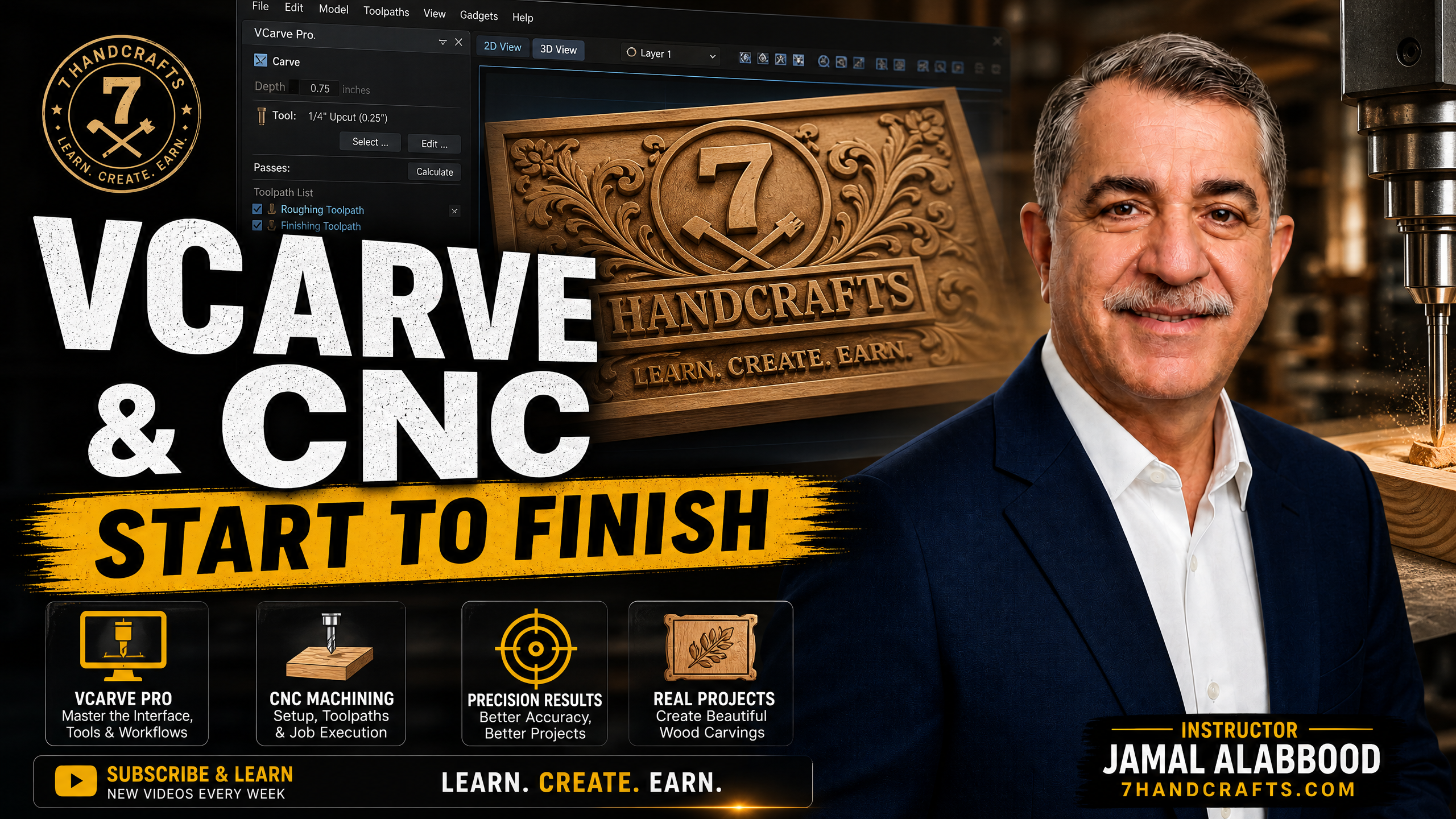
Master VCarve Pro & CNC
From scratch — all skill levels welcome
$9.99
per month
ENROLL TODAY
New 2025 Course

Master CNC & VCarve Pro from Scratch

The premier all-in-one course for mastering Vectric software and achieving professional CNC results. Thousands of CNC enthusiasts have already used this program to build confidence and take their skills to the next level. Follow along with each video, practice in real-time, and unlock everything your CNC machine is truly capable of.

Video Lessons
All
Skill Levels
Lifetime Access
▶ Watch course preview

Everything you need
to run a CNC machine

No prior experience needed. We cover hardware, software, design, and production from the ground up.

CNC Machine Setup

Learn how to set up, calibrate, and maintain your CNC router for consistent, accurate results every time.

VCarve Pro Software

Master VCarve Pro from the ground up — toolpaths, vectors, 3D modeling, and production-ready files.

Design for CNC

Create signs, furniture parts, decorative panels, and custom projects ready to cut on any CNC machine.

Tooling & Materials

Understand bits, feeds, speeds, and which materials to use for clean cuts and professional finishes.

Production Workflow

Build repeatable workflows to produce multiple pieces efficiently — from single prototypes to small batch runs.

Troubleshooting

Diagnose and fix common CNC problems — chatter, tool breakage, file errors — so you never get stuck on a project.

Master VCarve and CNC Course
What You Get

Everything You Need to Master CNC from Scratch

Comprehensive VCarve Pro workflow training from first launch to advanced toolpaths
Precision CNC setup and machine operation — zero your machine with confidence every time
Intricate wood carving project demonstrations — watch real projects built from start to finish
Downloadable project files and toolpath templates ready to use on your own machine
Expert tips for accuracy and productivity — learn the shortcuts professionals use every day
Business and personal project creation guides — turn your CNC into a money-making machine
Free 3D models and design files — exclusive downloadable content for members only
New lessons added regularly — your membership grows with you at no extra cost
Enroll Today — Starting at $9.99/month
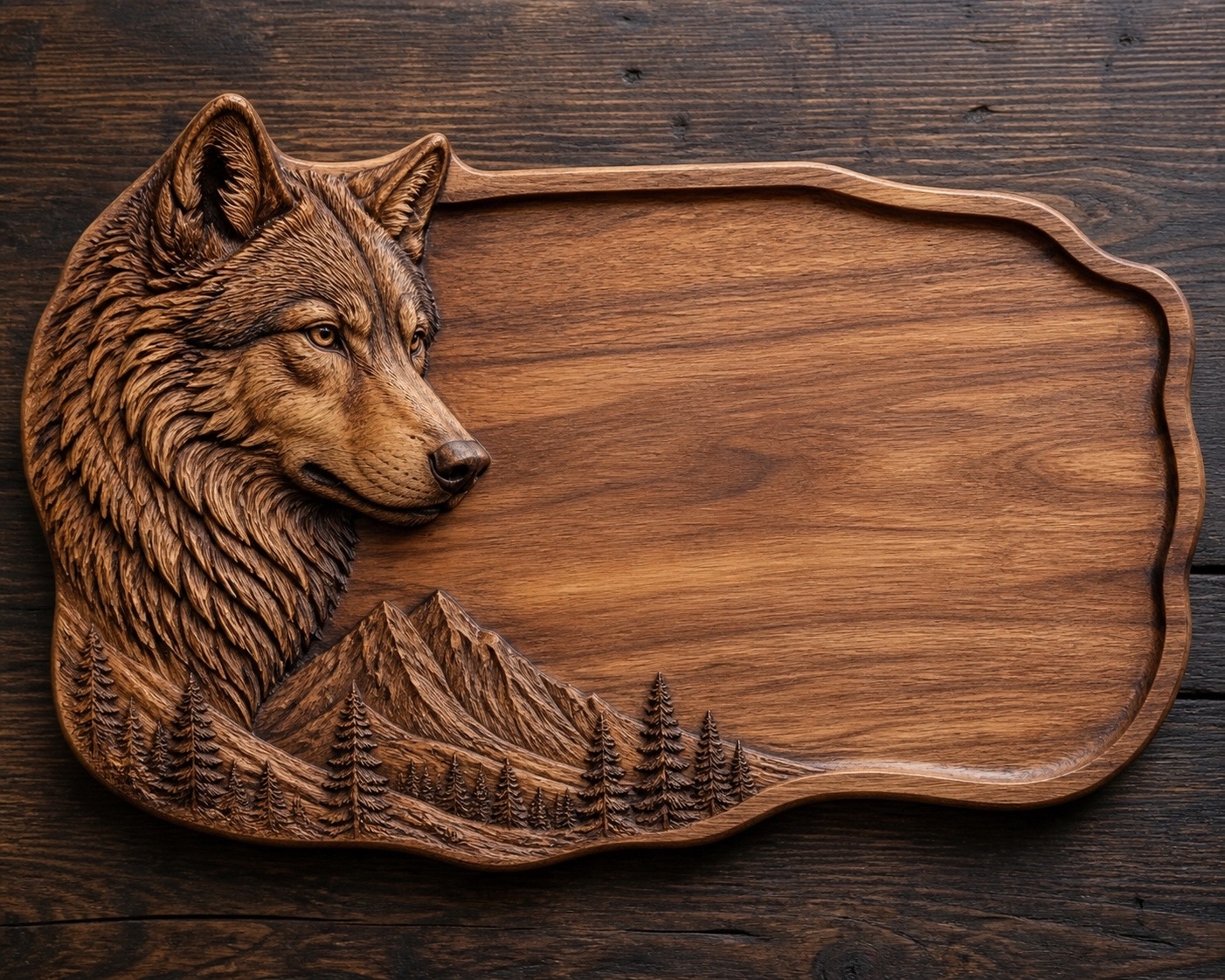
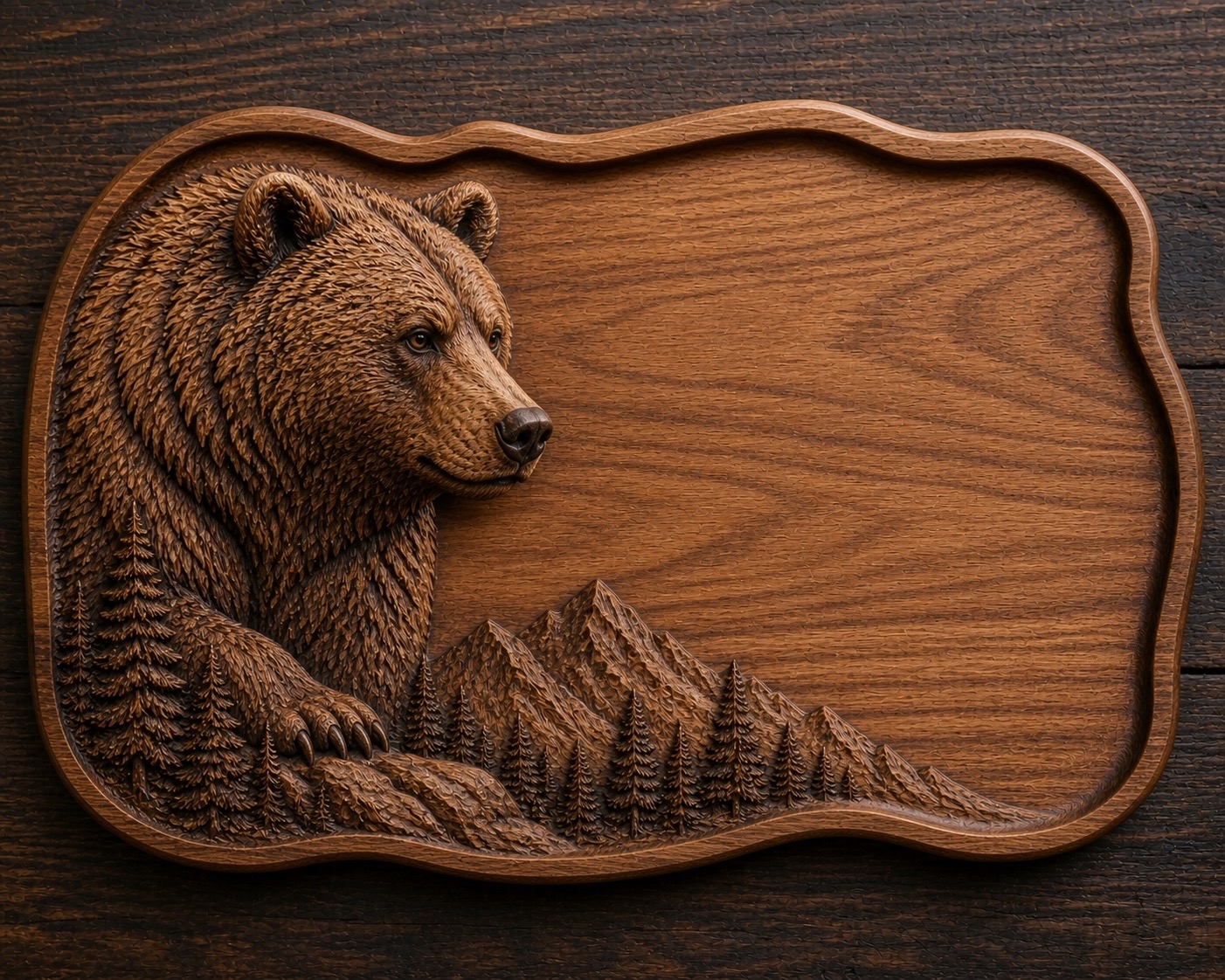
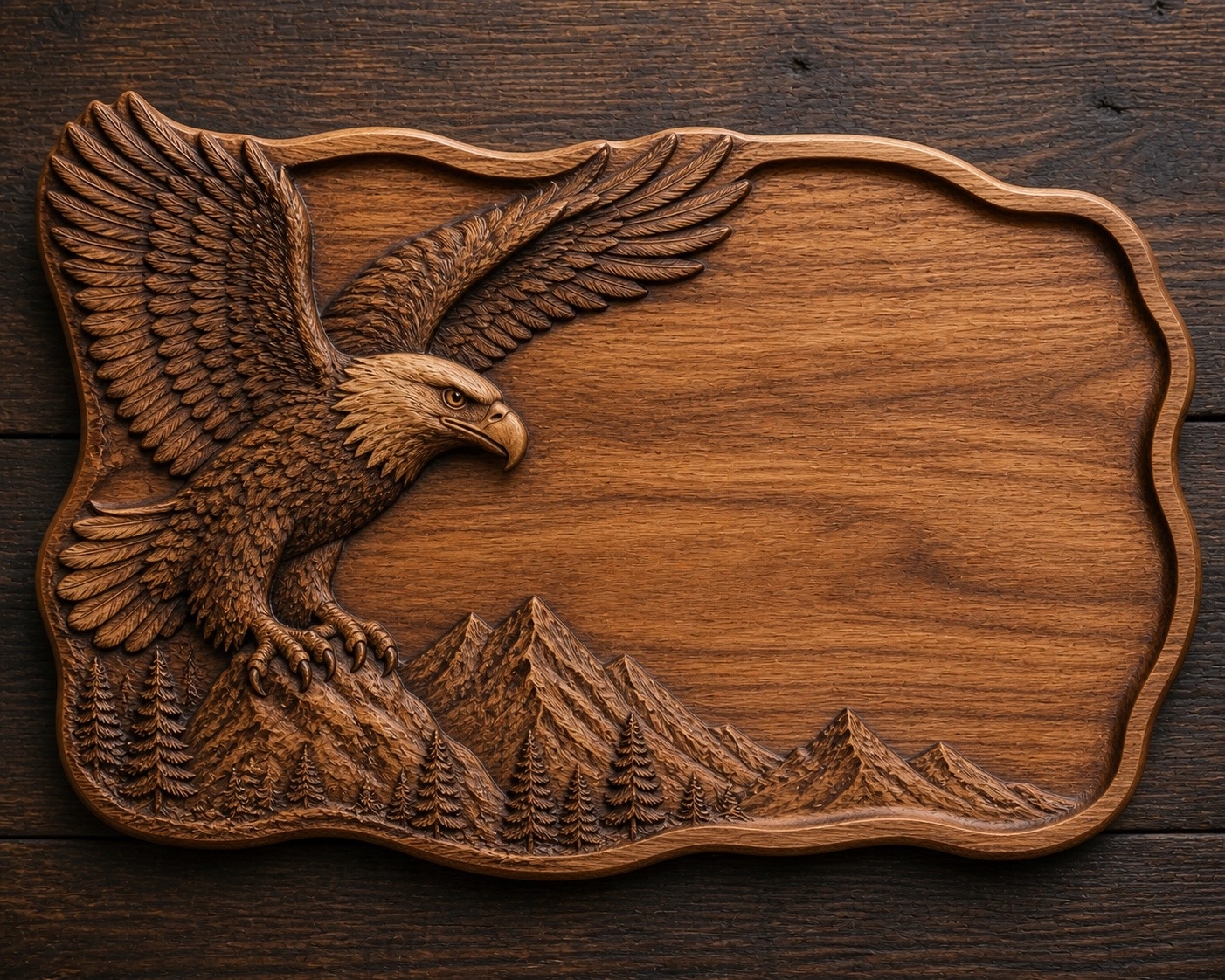
Project Gallery

What You Can Create

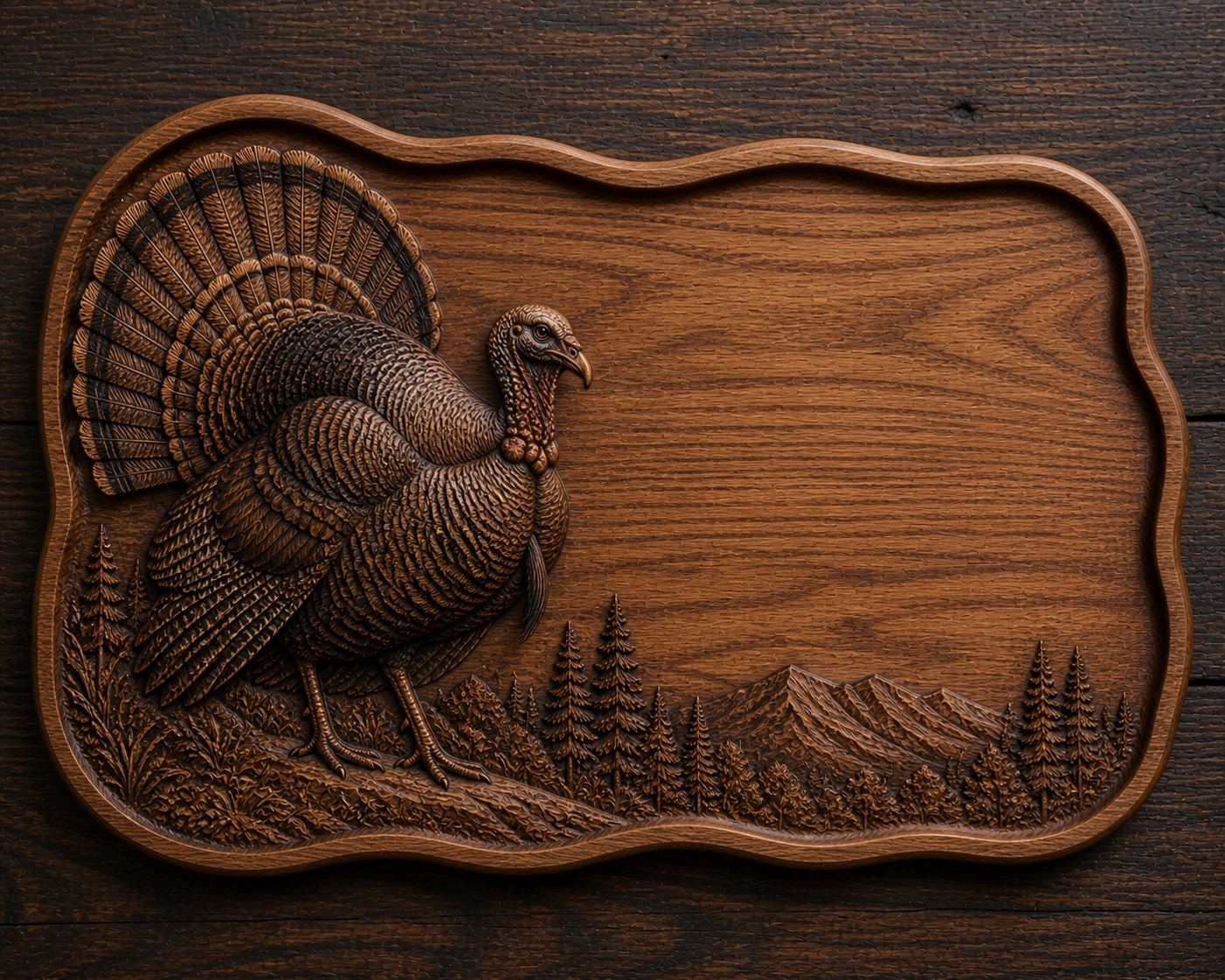
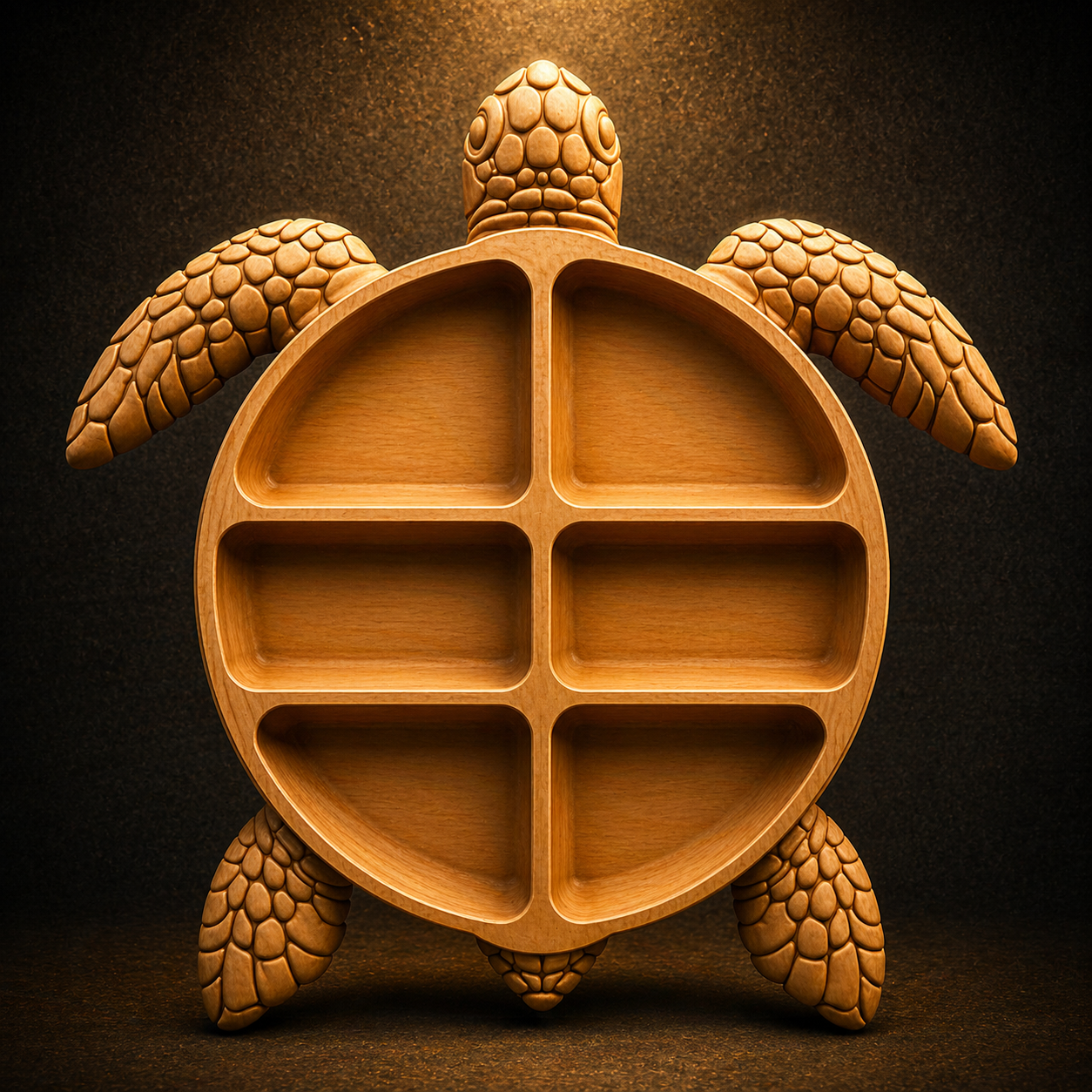
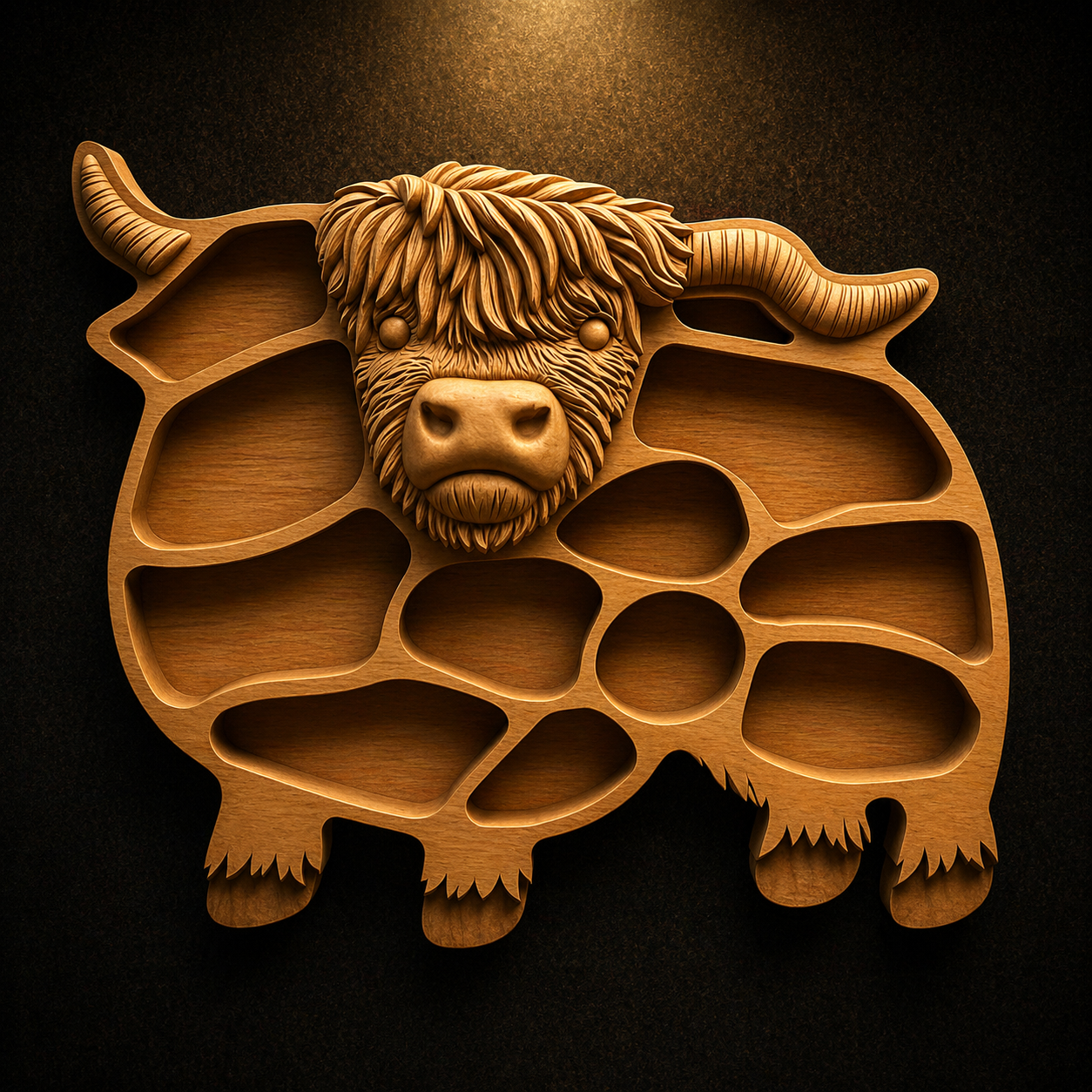
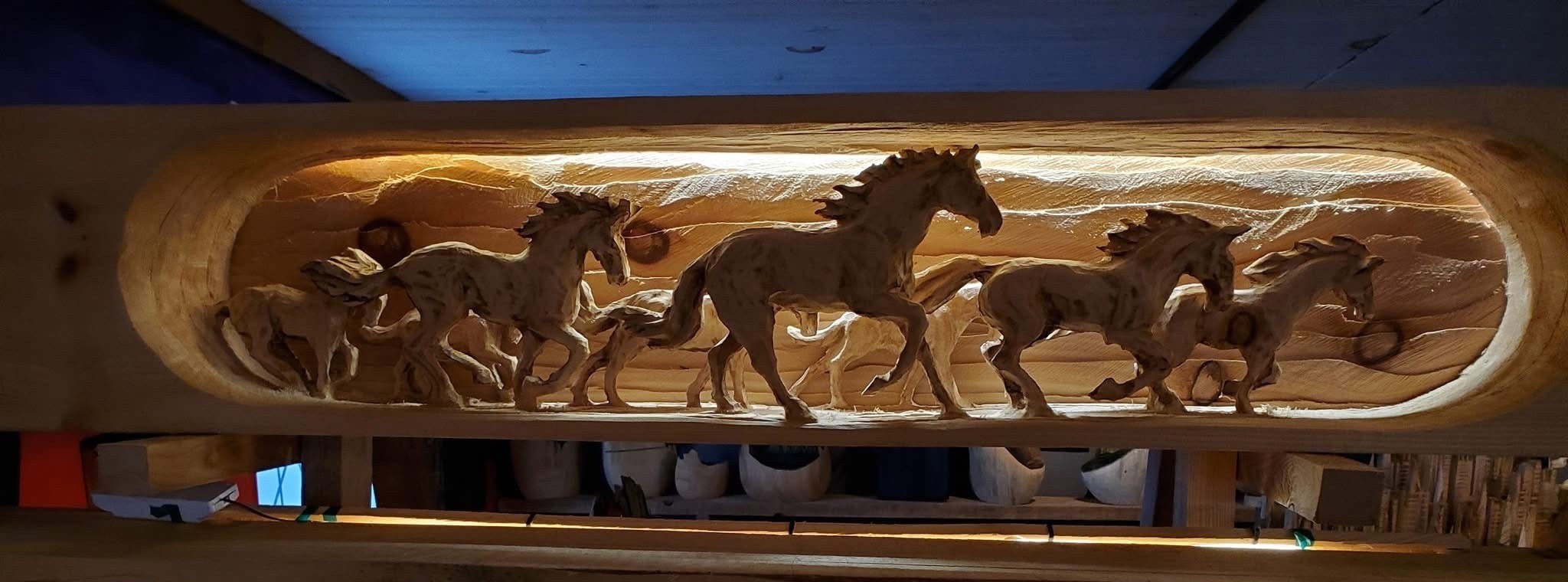
These are real projects created using the techniques you will master in this course. Custom designs made with VCarve Pro and CNC.

Start Creating These Projects Today
Free Tutorials

Watch Before You Enroll

Get a taste of what you will learn inside the course. Free tutorials on our YouTube channel every week.

Featured Tutorial

VCarve Pro V12.5: Enhanced Polyline, Node Editing & Fillet Tools for Precision Design

Learn how to use the updated Polyline, Node Editing and Fillet tools in VCarve Pro V12.5 to create more precise and professional designs for your CNC machine.

Subscribe on YouTube Get Full Course →

Lessons across
every skill level

Structured from first principles to advanced techniques. Work at your own pace.

1VCarve Pro
43 lessons ↓
VCarve Pro — Complete Software Overview
VCarve Pro 11.5 — Basic Program Overview
Importing Vectors and Images in VCarve Pro
Export Vectors from VCarve Pro
What's New in VCarve Pro V12.5
Importing Vectors and Bitmaps in VCarve Pro
2D and 3D View in VCarve Pro
Draw a Circle in VCarve Pro
Draw an Ellipse in VCarve Pro
Draw Text in VCarve Pro
How to Edit Text Spacing in VCarve Pro
How to Wrap Text on a Curve in VCarve Pro
Using Guidelines in VCarve Pro
Geometry Snapping in VCarve Pro
Polyline, Node Editing and Fillet Tools in VCarve Pro
Job Templates in VCarve Pro
Using Layers in VCarve Pro
Multiple Sheets in VCarve Pro
Dynamic Dimensions in the 3D View in VCarve Pro
Mastering File Formats in VCarve Pro
Master Vectric Latest 3D View Features in VCarve Pro
Fillet Tool Updated in VCarve Pro V12.5
Starting a Project and Basic Layout in VCarve Pro
Sketch Update in VCarve Pro V12.5
Toolpath Updates in VCarve Pro V12.5
Text Box in VCarve Pro
Snapping in VCarve Pro
Selecting Multiple Objects in VCarve Pro
Corner Types When Drawing a Rectangle in VCarve Pro
Wireframe View in VCarve Pro
Offset Tool in VCarve Pro
How to Use Automatic in Toolpath in VCarve Pro
Chip Carving from Start to Finish — Design in VCarve Pro
How to Use the Rotate Tool in VCarve Pro
How to Scale Multiple Items at the Same Time in VCarve Pro
Mirror Copy in VCarve Pro
3D Carving Vision in VCarve Pro
Post Processors in VCarve Pro
Offset and Raster in Pocket Toolpath in VCarve Pro
How to Trace Images in VCarve Pro
Open and Close Vectors in VCarve Pro
How to Create a Toolpath Template in VCarve Pro
How to Scale Full Vectors from One Vector in VCarve Pro
2CNC
2 lessons ↓
CNC Machine Overview
Roughing and Finish Toolpath — Live CNC Carving
3Projects
7 lessons ↓
How to Design a Trivet in VCarve Pro
How to Make a Cutting Board and Kitchen Measurement in VCarve Pro
Design a Tray from Image into VCarve Pro
How to Paint a Wood Sign After Carving
Inlay Female Pocket in VCarve Pro
Bowl and Tray Design in VCarve Pro
How to Make Trays and Bowls with VCarve Pro

One membership.
All lessons.

New lessons added regularly at no extra cost.

Monthly
$9.99
per month
Great for getting started.
  • All lessons
  • New lessons as added
  • Download project files
Lifetime
$299
one-time payment
Pay once. Access forever.
  • All lessons
  • All future lessons free
  • Download project files
  • Priority support forever
Jamal Alabbood
Jamal Alabbood
Woodworking Artist & CNC Specialist

In 2015, I discovered CNC technology and was immediately captivated by what it could do. I bought my first hobbyist CNC machine and started a journey of self-teaching — enrolling in courses, studying VCarve Pro, and watching thousands of videos. But CNC was just the beginning. I learned which woods give the best results, how to sand from the right grit, how to finish and paint wood to make it shine. I broke bits, made mistakes, and figured it all out one project at a time. I added laser engraving to my skills, mastered wood finishing techniques, and kept pushing until every piece looked perfect. Two years later, my first 3D horse carving stopped people in their tracks on Etsy. Orders followed. Then more. Today, I teach the exact skills I learned the hard way — so you don't have to. If I could go from a complete beginner to selling professional 3D carvings, so can you.

CNC routing and VCarve Pro specialist
Custom designs — logos, names, and bespoke engravings
3D wall art, kitchenware, gifts and home decor
Owner of 7Handcrafts on Etsy — Columbus, Ohio

Contact Us

Have a question? Send us a message and we'll get back to you.